Brand kit · v1.1
Use the mark. Don't reinvent it.
Our logos, colors and the few rules that keep them looking right. Partners, press and integrators are welcome to use them, no login needed.
Downloads







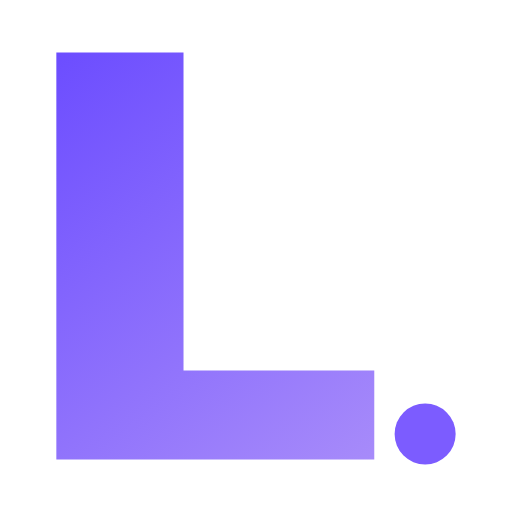
Lockups
Clear space: keep at least one dot-diameter of empty space on every side. Digital minimum: never render the icon below 16×16 px. The Lenexa.bot sibling uses the same L-icon with “.BOT” in Lenexa Purple; nothing else changes.
Color
Gradient: #6C4DFF → #A78BFA at roughly 135°, top-left to bottom-right. It lives in the L-icon only. Purple is an accent, not a wash.
Typography
One typeface: Inter, at every size, on every surface. Display sizes use Inter's optical-size axis (Inter Display) at ExtraBold with −2% tracking. Sentence case for headings. Fallbacks: system-ui, then Helvetica Neue, then Arial. Never a serif.
Do's and don'ts
Do
- Use the official assets straight from this kit.
- Keep the gradient direction consistent across surfaces.
- Maintain the 1d clear-space rule.
- Default to the horizontal lockup whenever space allows.
- Use monochrome only in single-color contexts.
Don't
- Recolor the L or drop the dot.
- Re-create the wordmark in a different typeface.
- Change the gradient colors or its angle.
- Stretch, skew, rotate, or outline the lockup.
- Add drop shadows, glows, bevels, strokes, or gradient text.
Need something that isn't here? Email support@lenexa.ai before you improvise.